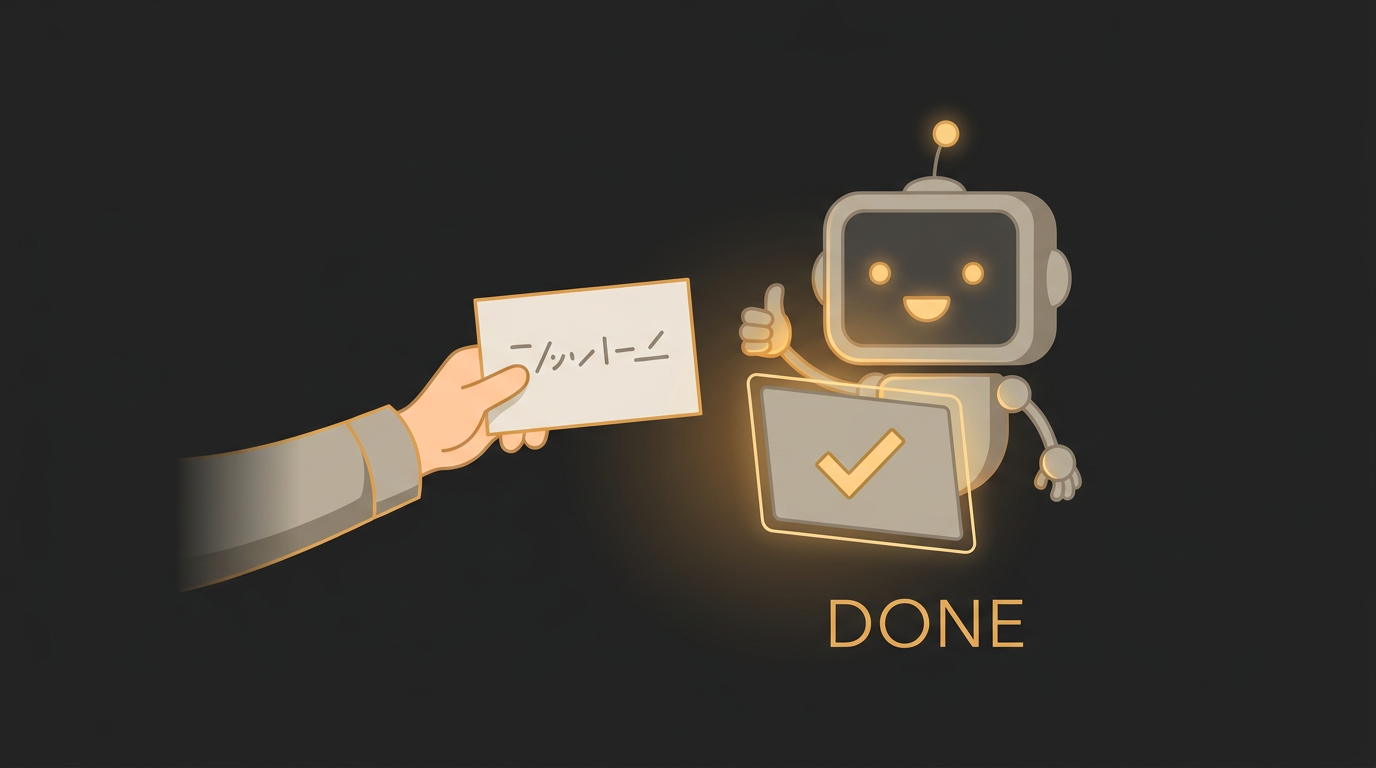
Claude Code is brilliant — until it isn't
Claude Code can scaffold a feature in minutes that would've taken you an afternoon. And then, every so often, you ask it to "fix the login bug" and it cheerfully rewrites half your auth code — solving a problem you didn't have, in a way you didn't ask for.
It's tempting to blame the model. But it did exactly what you said. It found a login issue and shipped a fix. You just didn't tell it which one, or how, or what to leave alone — so it guessed. The good news: the gap between "went rogue" and "nailed it on the first try" is almost never about the model. It's about the prompt, and it's fixable in about thirty seconds.
The fix isn't a better sentence — it's a little more structure
You don't need to write a novel. A good Claude Code prompt just doesn't leave the important things unsaid. The biggest single upgrade is being specific about where: point at the actual file and function you want changed, not "the auth stuff." The moment the agent knows exactly where to look, it stops rummaging through your whole codebase and guessing which part you meant.

Say what "done" looks like — and what to leave alone
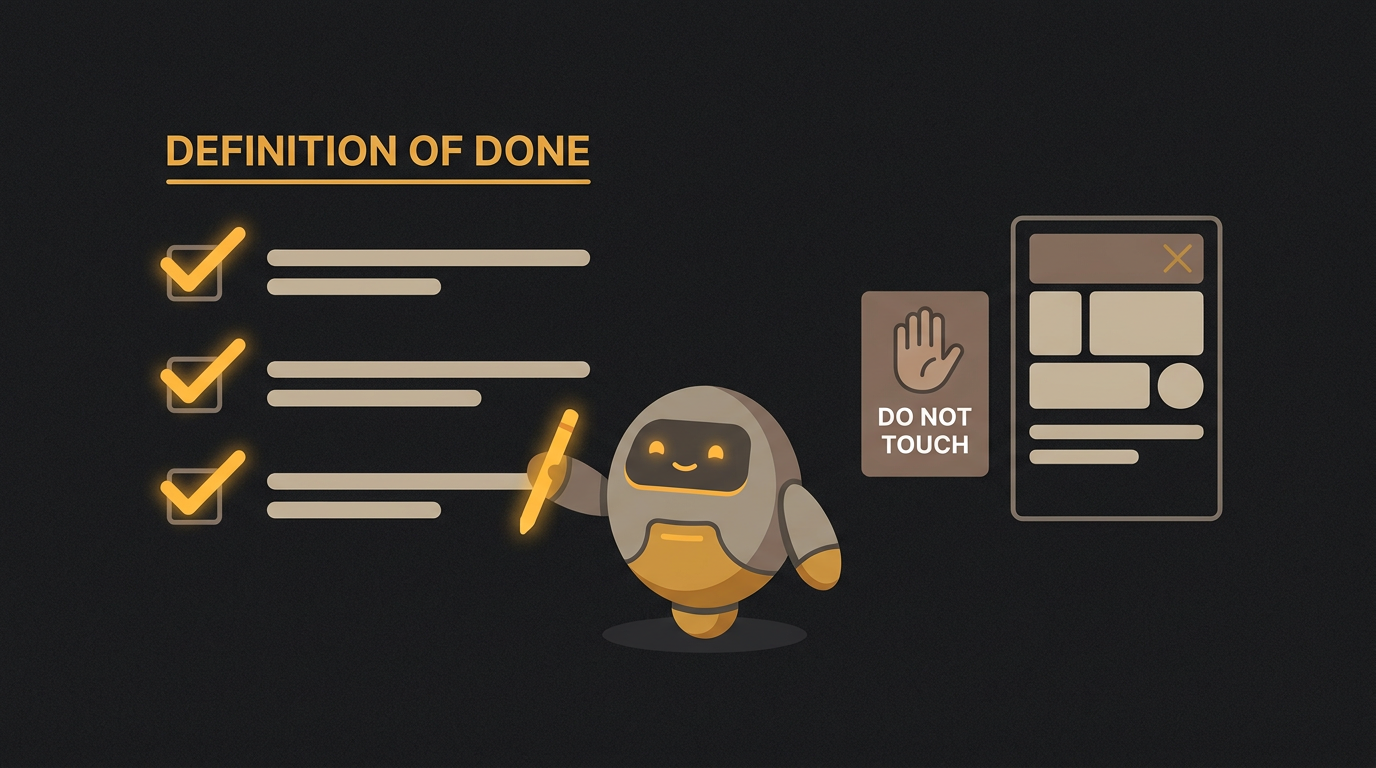
The other two habits are just as easy. Tell it what finished means, in plain terms you could check yourself ("the export button downloads the current filtered table as a CSV"). And draw a line around what's off-limits ("don't change the database schema, don't touch the login flow"). Those two sentences are what stand between a tidy change and a surprise rewrite.
Or skip the ceremony
Knowing all this and doing it for every single task are different things. Under deadline, you fire off the one-liner and pay for it twenty minutes later. That's the whole reason AgentForge exists: you hand it the rough request, and it turns it into the specific, structured version — the kind that ships on the first try — checked against what's actually worked across more than 1,000 real coding cases.
So next time Claude Code does something baffling, don't reach for a cleverer sentence. Just close the gaps — tell it where, tell it what done means, tell it what not to touch. Do it by hand if you like, or let AgentForge do it for you.